



Software Backup
Secure your SaaS apps with cloud-ready protection.
Preserve your complete cloud infrastructure with automated SaaS Escrow that keeps critical systems recoverable, so disruptions never strand your business. Live in 24 hours.
From
$99
/mo
Unlimited deposits · Daily syncs · Software Resilience Certificate included
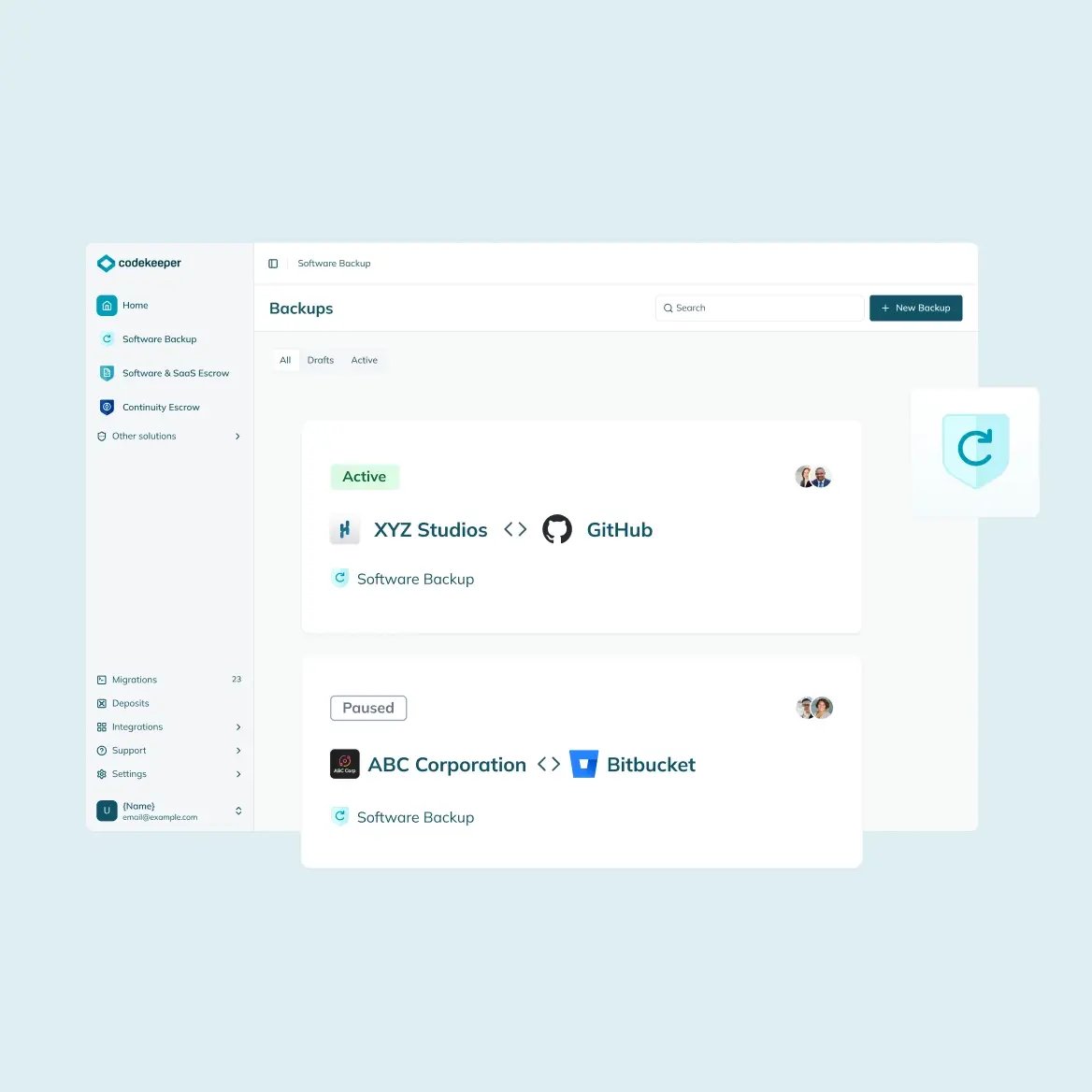
Trusted by 3,500+ teams in 150 countries — including the companies that can't afford downtime






What are software backups?
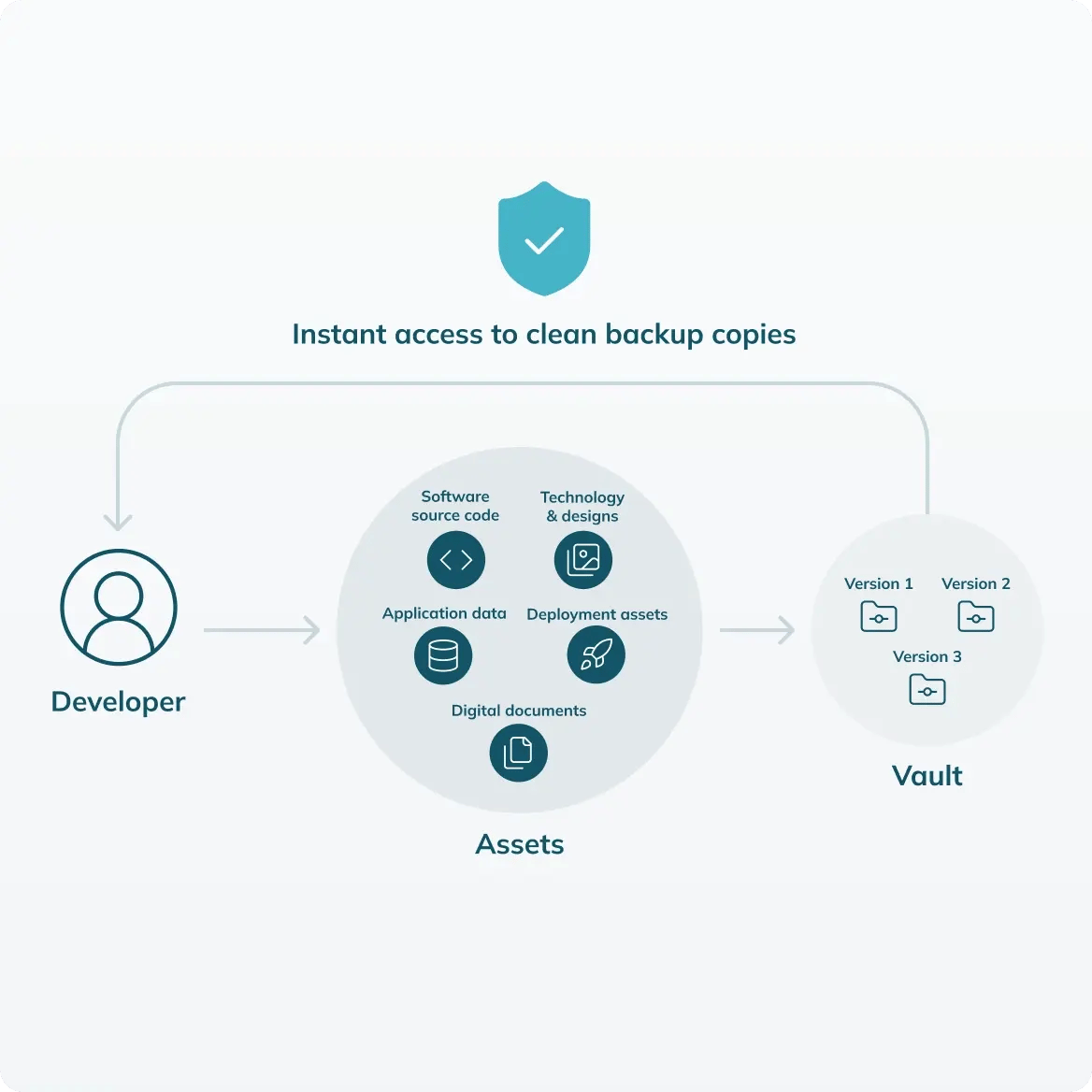
Software backups are secure copies of your application code, databases, configurations, and digital assets. These materials are stored separately from your production systems. We maintain these materials with automated daily syncs and unalterable version history. When a system failure or data loss event occurs, you can access your materials immediately to restore your complete software environment.
Your backups run daily. But you can't prove backups work. When you can't prove backups work, you fail audits. When you fail audits, you lose certifications.
Software Backup prevents:
- Complete data loss when systems fail or are compromised
- Missing audit trails that auditors require for compliance reviews and certification
- Unrecoverable backup data because restoration procedures were never tested
- Lost accreditations from not being able to prove your disaster recovery works
- Weeks of downtime spent rebuilding systems without essential assets
Backup compliance should not be complicated
We built immutable vaults to make backup compliance simple for organizations in all international and local regulated markets. Codekeeper stores your software securely and syncs your changes automatically. We also provide full audit trails and verified Software Resilience Certificates so your compliance processes need less manual work. You connect your systems once and Codekeeper manages everything after that. We have provided this protection to more than 3 500 businesses over the last 10 years.

What goes into your Software Backup deposits
Software Backup protects everything your systems depend on:
Software source code
Your application’s entire codebase with full version history so you can quickly recover when system corruption or deletion occurs.
Application data
The databases and critical business information that is needed to keep your systems operating and records intact.
Deployment assets
All the build scripts, environment files, and configuration settings that are required to rebuild complete working environments.

Technology & designs
Your proprietary innovations and technical designs can also be protected from security threats and competitive risks.
Digital documents
Any technical specifications, documentation, and business-critical files that you need to keep secured with automatic timestamps for ownership proof.
Automated and manual uploads
Unlimited storage included
Instant download access
We sync with your systems
Codekeeper supports over 50 platform integrations from around the world that you can use to connect your repositories. It takes a few minutes for your IT team to set up once. After that, Codekeeper will take care of backups automatically. We also provide certificates and audit trails for you.
View all integrations









Compliance documentation created for you
Software Backup includes the compliance proof your auditors require.
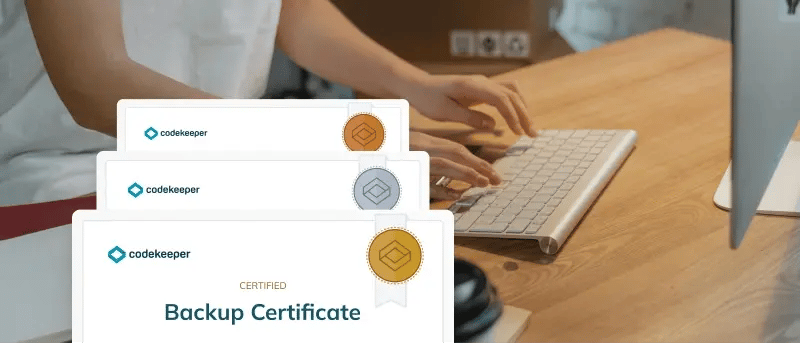
Backup verification certificates
You receive formal certificates that document your backup practices for ISO 27001, SOC 2, GDPR, and other regional compliance frameworks used worldwide. There are no additional fees or manual processes.
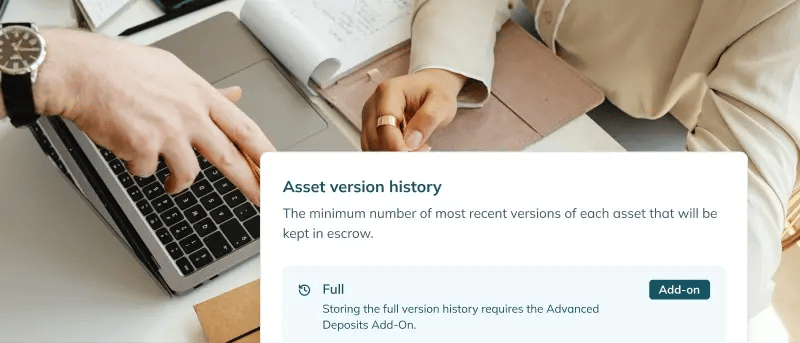
Immutable audit trails
You can view a complete, secure record of all your backups at any time. This includes the timestamps and version tracking that auditors need to verify during regulatory reviews.

Expert implementation support
Our team provides specialist support at every step of the process. We make sure your backup infrastructure meets all compliance requirements from day one.
Self-service for compliance teams
Automated compliance evidence generation
24/7 technical support
Encrypted vaults with expandable storage
Your backup infrastructure needs to be invulnerable to guard your production systems, especially in regions with demanding security expectations like South Korea, Japan, and China. With Codekeeper’s ISO 27001 certified system, it is.
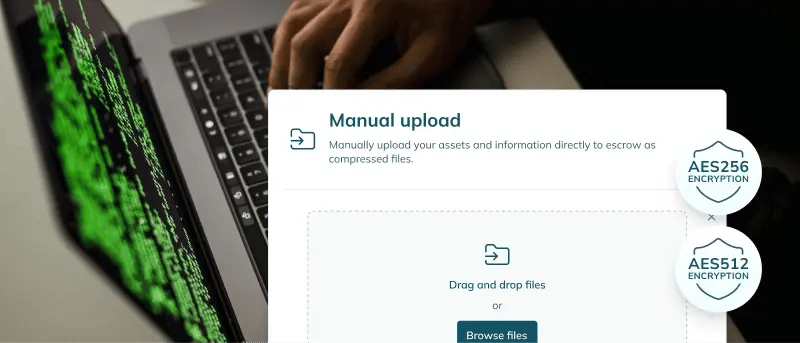
AES256/512 encryption
We preserve your repositories and data with premium encryption during transfers and in storage. Your critical assets remain secure at all times.
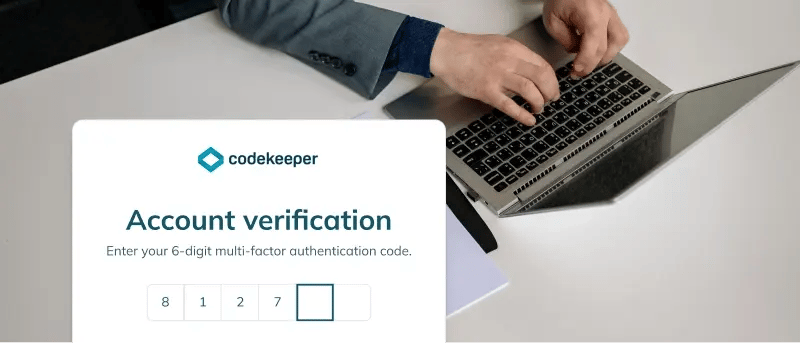
Multi-factor authentication
You can ensure that only authorized team members access your backups by implementing layered security controls. This prevents unauthorized retrieval attempts.
Unified backup management
You can manage backups from GitHub, GitLab, Bitbucket, Azure DevOps, and more in a single dashboard for complete visibility across all your repositories.
ISO 27001 certified
Zero-trust access
Backup isolation from production networks
Choose verified backup restoration
Software Backup creates secure copies of your critical assets. Verification testing proves these components are recoverable. Compliance regulations all over the world require both —safe storage and certified proof that restoration works when disaster strikes.

Validated
FREE
Automated scans confirm that all required materials are present in your backups.
Includes: Basic Software Resilience Certificate
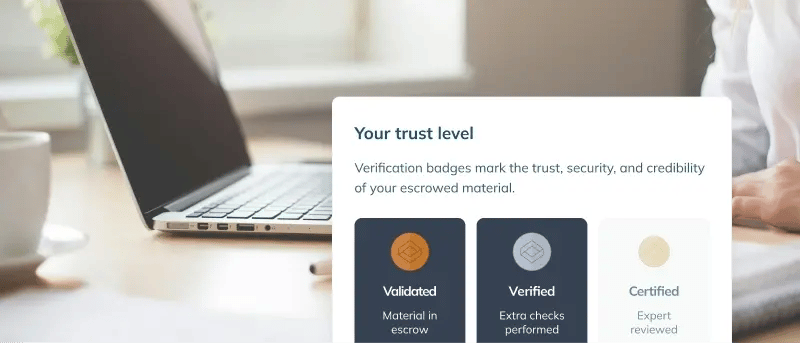
Verified
Automated deposit monitoring tracks your backup activity to confirm file integrity, content completeness, and structural validation.
Includes: Enhanced Software Resilience Certificate
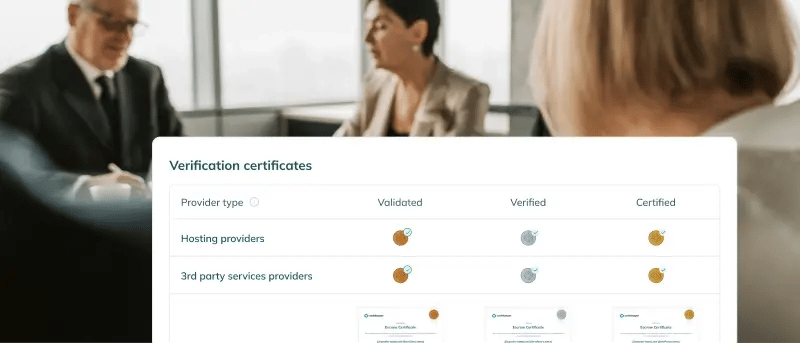
Certified
Expert engineers perform technical build testing and deployment verification to confirm full recovery is possible.
Includes: Premium Software Resilience Certificate
Compare all verification levels
If you need backup proof for compliance, activating Software Backup is the right decision.
Most companies discover that their backups are incomplete during an audit or a disaster. With Software Backup, you can be assured your backups will work. Contact us for a free risk assessment from our team. Your assessment includes:
- Compliance gaps in your disaster recovery documentation
- Expert guidance on backup infrastructure requirements
- Recommendations on verification tiers for your regulatory needs
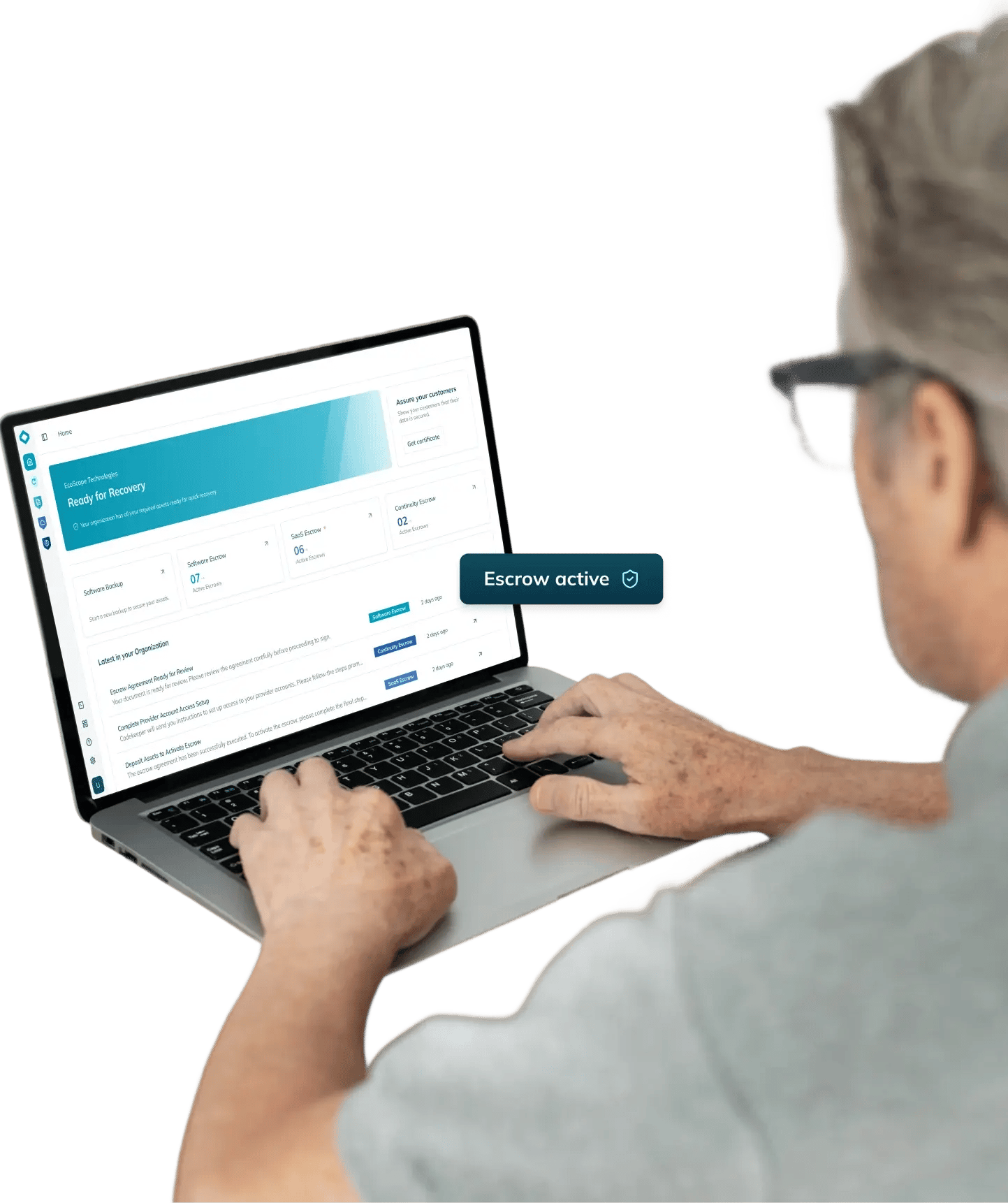
Need protection for other software types?
Explore our complete software resilience platform.
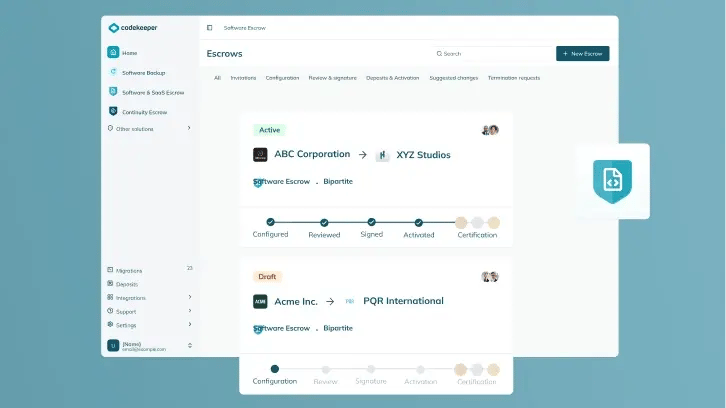
Software Escrow
Access your on-premises software assets whenever you need to recover critical systems instantly.
Learn more
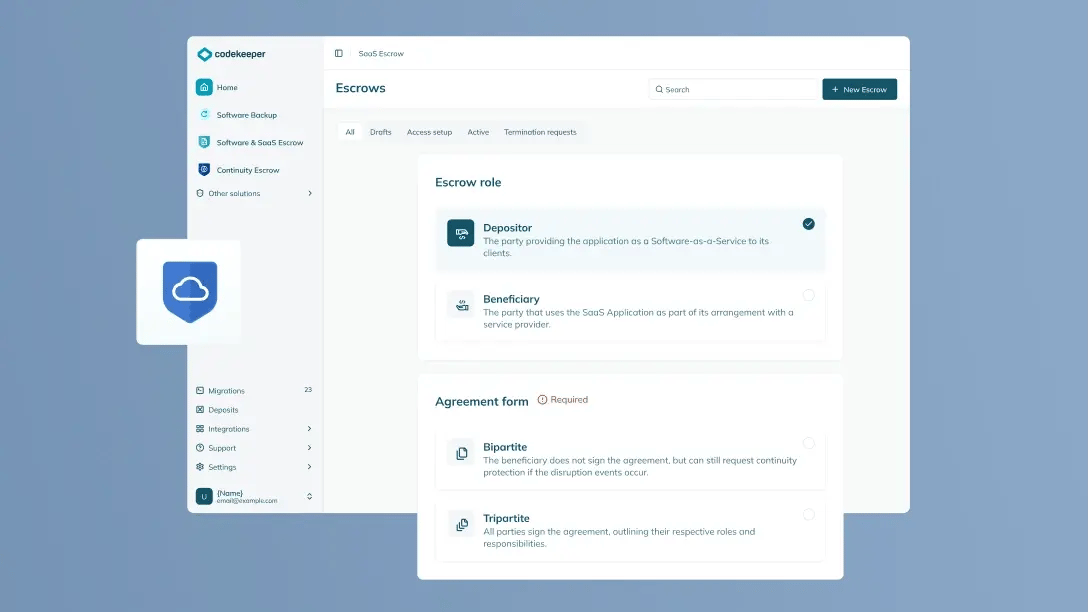
SaaS Escrow
Maintain continuous access to the SaaS systems, data, and dependencies you rely on through verified escrow vaults.
Learn more
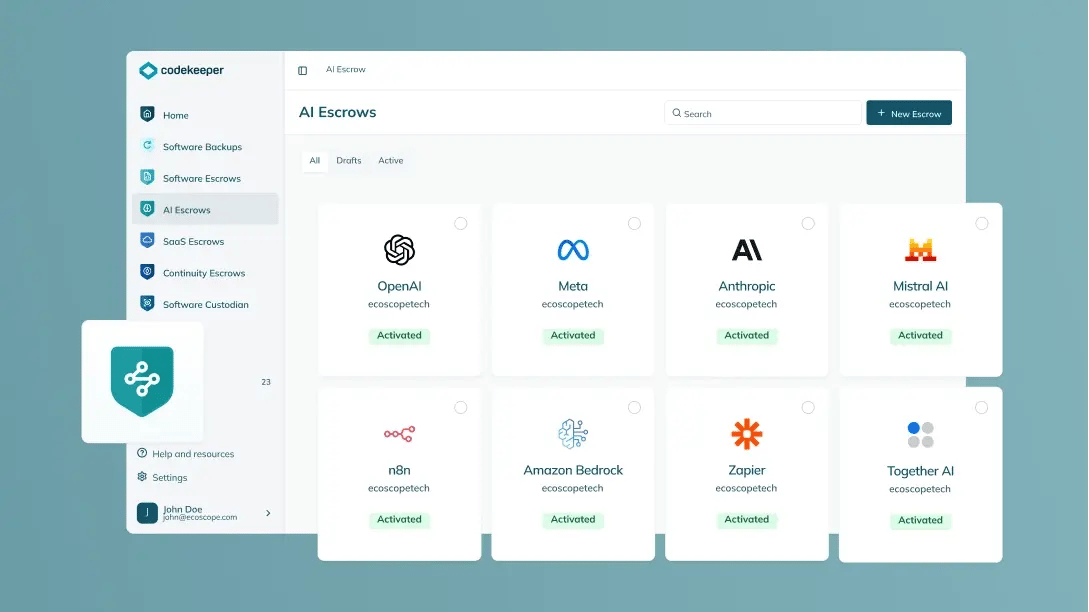
AI Escrow
Secure your AI stack's training assets, model weights, and agent structure.
Learn more
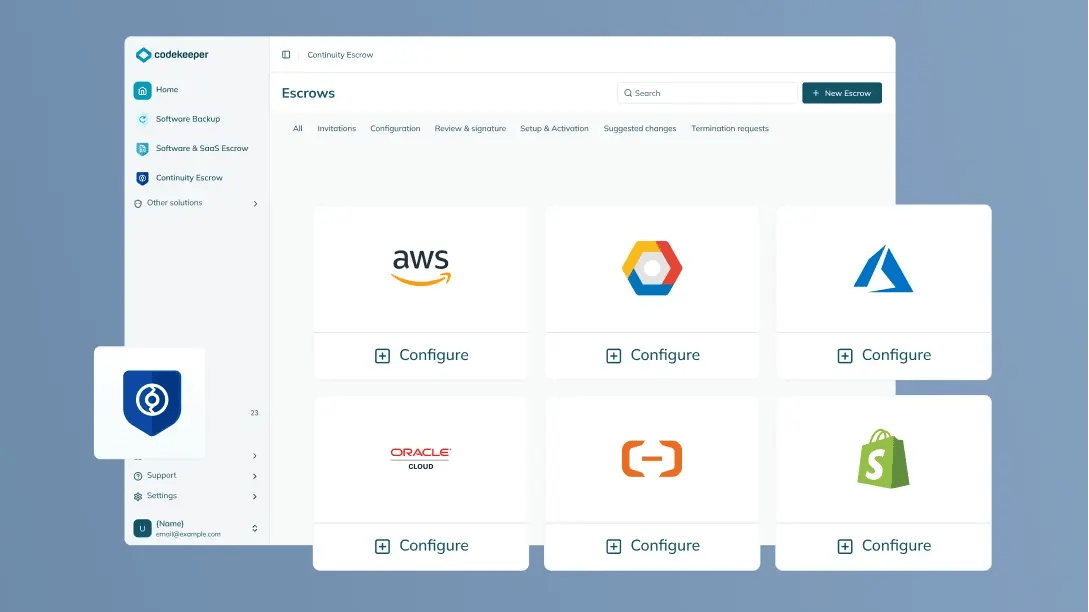
Continuity Escrow
Eliminate the downtime caused by service disruptions and maintain uninterrupted operations.
Learn more